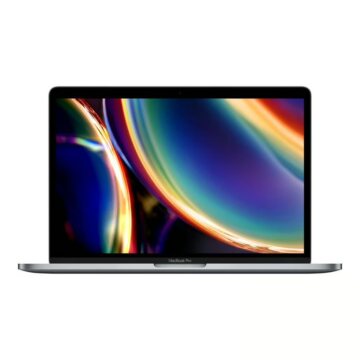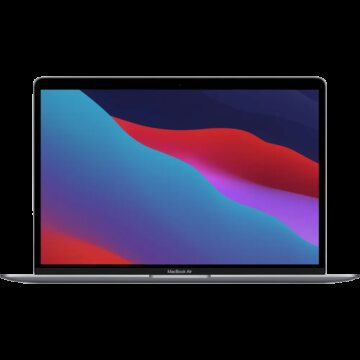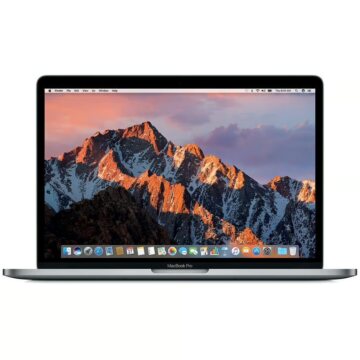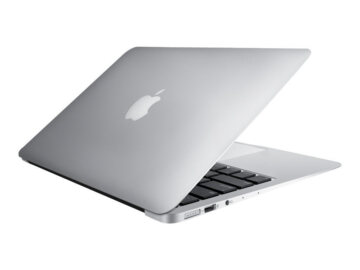
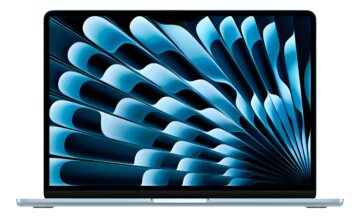
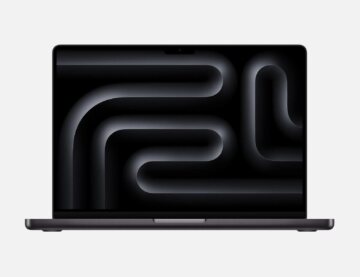
Macbook Air 2025 M4 13.6 16gb
- Battery
- 96%
- Condition
- Excellent
- SSD
- 512 GB
- RAM
- 16 GB
- Chip
- M4
Compare checked devices by family, chip, year, RAM, SSD, display, battery, price and actual condition.
Compare Air, Pro, Neo and iMac with real stock, prices, chip, RAM, SSD and sold references.
Actual listed units with photos, configuration, price and condition.
The best Mac is not always the most expensive one. A balanced configuration for your work is usually better than paying for power you will not use—or running short of memory and storage. This guide helps you understand each listing and choose wisely.
Each family prioritizes something different: mobility, sustained performance, entry price or desktop comfort.
Ideal for study, office work, browsing, video calls, general programming and light editing. It is the most balanced choice for daily mobility.
View MacBook Air → MacBook ProProfessional performanceBest for sustained video editing, large photo libraries, complex music projects, demanding development, 3D and long workloads where display, ports and cooling matter.
View MacBook Pro → MacBook NeoEntry-level MacDesigned for everyday tasks and portability with a simple configuration. The official version pairs 8GB of memory with 256GB or 512GB SSD storage, so future headroom matters.
View MacBook Neo → iMacAll-in-one desktopChoose it for a fixed desk, customer service, home office or creative studio: display, camera, speakers and computer are integrated, so no separate monitor is needed.
View iMac →Memory determines how many applications and large files can stay active without relying as heavily on SSD swap.
Basic use: a browser with a modest number of tabs, documents, classes, video calls and media. It can be enough today, but leaves less headroom for years of use or heavy multitasking.
The safest choice for most people: office work with many tabs, programming, design, Lightroom, moderate music production and occasional video editing.
For larger creative projects, virtual machines, container-based development, frequent high-resolution editing and users who want to keep the Mac for many years.
Professional workloads: complex video, 3D, very large libraries, data science and workflows already known to use substantial memory. It rarely adds meaningful value for everyday tasks.
Storage does not improve multitasking like memory does: it determines how much you can keep locally and how much you will rely on cloud or external drives.
| Capacity | Good for | Watch out for |
|---|---|---|
| 128 GB | Older devices and very light use. | Little room remains after the system and applications; cloud or external storage is usually needed. |
| 256 GB | Study, office work and files kept mainly in the cloud. | Watch photo, video, media libraries and local phone backups. |
| 512 GB | The most comfortable option for most users. | Leaves room for applications, documents, photos and some projects without constant storage management. |
| 1 TB | Photography, music, heavy development and frequent video work. | Worth it if your files must always travel with you or you work with large libraries. |
| 2 TB o más | Professional production and very large files. | Compare the premium with fast external storage and a proper backup strategy. |
The Air or Pro name alone is not enough: a recent Apple silicon Air may be a better choice than an older Intel Pro for many uses.
It can be an affordable purchase and still useful for office, music or specific software. Check the year, latest supported macOS, battery and application compatibility before buying.
It generally offers a better balance of performance, efficiency and battery life. Within a generation, Pro and Max target heavier workloads; the base chip is usually enough for everyday use.
It is an entry-level option with 8GB of memory, 256GB or 512GB SSD storage and support for one 4K external display at 60Hz. Consider it for everyday use, not as an automatic replacement for a MacBook Pro.
This is a starting point. Then compare it with the year, condition and price of the actual unit.
Prioritize battery, weight and enough memory for your tabs and video calls.
Increase memory for Docker, virtual machines, large projects or several environments at once.
Pay attention to display, memory and library size; an iMac can also be excellent at a fixed desk.
Prioritize sustained performance, memory, ports and space. For heavy work, a properly configured Pro avoids bottlenecks.
The all-in-one format simplifies the desk. Check display size and resolution, ports, keyboard and storage.