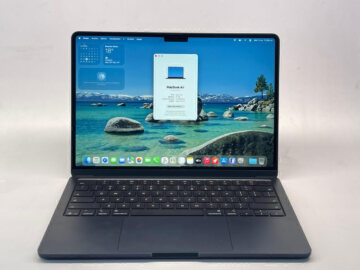
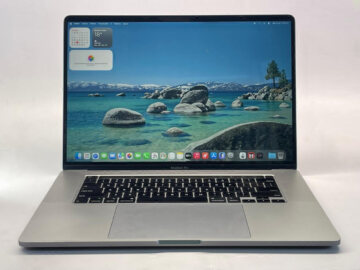
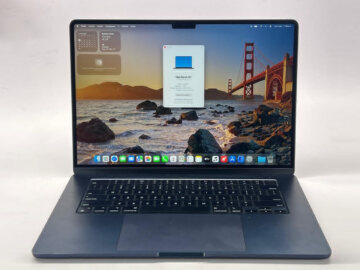
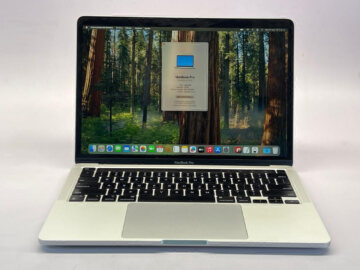
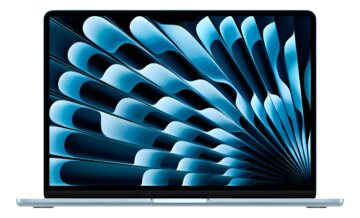
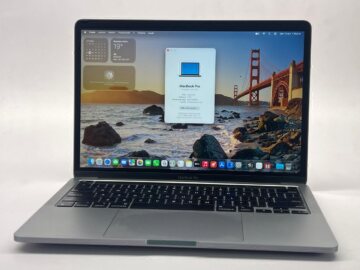
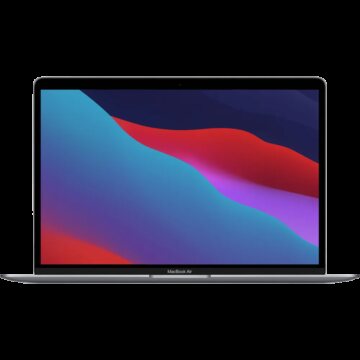
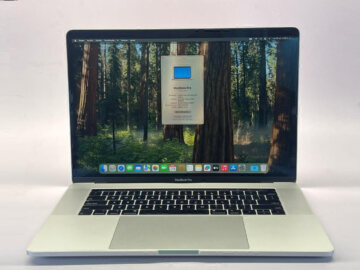
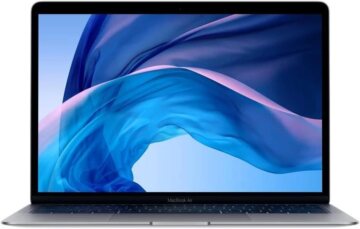
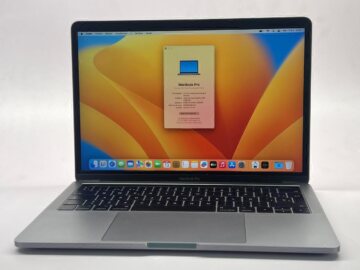
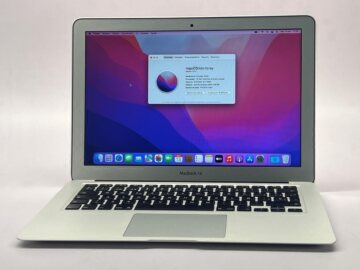
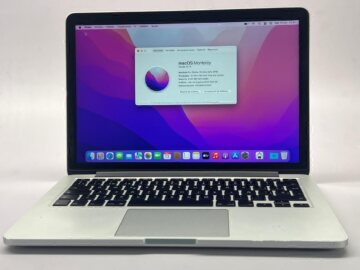
Start with the work you expect to do each week. Carrying a laptop between classes, keeping several applications open and working on demanding projects can lead to different choices. Air and Pro are useful family names, but you still need to compare the actual machines.
Teveotecno · Content updated November 4, 2026
When an Air is a useful starting point
For a routine built around documents, browsing, video calls and travel, start with the listed MacBook Air units. Check the exact model’s size, weight and charger alongside the condition of its battery.
Confirm current requirements for any course or work application that matters to you, including its required macOS version. A familiar-looking task does not establish compatibility across every generation of laptop.
When to examine the Pro options
For sustained project work, particular connections or a specific configuration, examine the available MacBook Pro listings. Pro models vary in chip, display and ports. An older Pro is not automatically a better match than a more recent Air.
Describe the projects and features you actually need. A concrete example gives you a more useful comparison than asking for a generally powerful computer.
Keep configuration and condition separate
Before comparing prices, record the same information for each candidate. You can then see whether the difference comes from the specification, physical condition or included accessories.
- Exact model year and chip or processor.
- Installed memory and SSD capacity.
- Display, connections and accessories required.
- Listed battery condition, cosmetic grade and tested functions.
Compare complete purchases
Include adapters or accessories you will need and check payment methods and warranty on each listing. Ask about missing information before reserving. If the configuration is not currently listed, ask about arrivals rather than assuming a unit is available.
The right choice may be an Air that meets every requirement or a Pro with equipment you will use. Focus on a checked individual device that can support your routine at a sensible total cost.
Frequently asked questions
Is a used MacBook Pro always the better purchase?
Not necessarily. Compare model year, chip, memory, condition and your workload against the specific Air option.
Can I choose by RAM alone?
Memory matters, but consider chip, SSD, software, connections and device condition together.
How can I confirm the model?
Check the unit details against Apple’s model identification information and request the exact year and configuration.