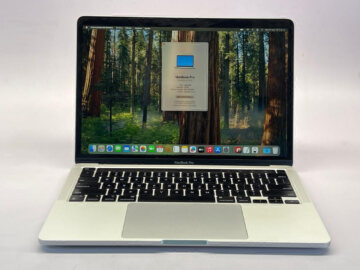
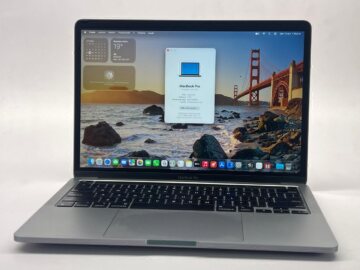
A study laptop should fit your actual course. Notes and video calls are different from architecture software, audio production or development projects. Get your institution’s software list before you begin choosing between MacBook models.
Teveotecno · Content updated November 4, 2026
Find out what the course expects you to run
Record applications and versions, exam platforms, plug-ins and required connected devices. If the institution requires a particular operating system, establish that before choosing a laptop. Application support must be checked against the relevant macOS version and configuration.
A broad description such as “good for students” cannot cover every degree. Your course and expected projects provide a more useful basis for the purchase.
Think about travel and a full day of use
If you carry the laptop every day, compare size, weight and charger condition. Check the keyboard and display carefully because you will use them for long periods. Confirm keyboard layout and try the keys you depend on.
The battery runtime of a used laptop depends on that battery and your routine. Ask for available condition information and consider charging opportunities rather than treating a new-model advertising figure as a promise for a used unit.
Budget around the required work
Compare memory and SSD capacity with your software needs. For large projects, consider storage space and a backup plan. Include adapters and accessories required by your classes before deciding how much remains for the laptop.
- Course applications and current requirements.
- The unit’s memory, SSD and chip.
- Display, keyboard and required connections.
- Charger, battery information and listed condition.
Shortlist devices that are available
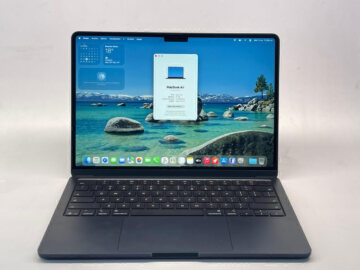
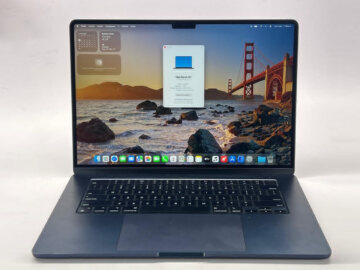
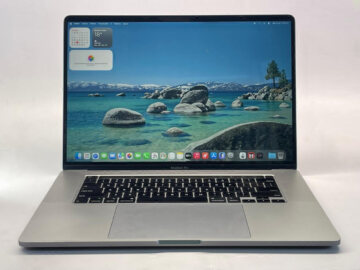
Start with used MacBook Air listings and compare available Pro units if you have identified a specific need. Open two listings and note which requirements each one meets.
Confirm warranty, purchase terms and availability before arranging pickup. If your present computer is essential to your studies, plan the backup and transfer of files as part of the change so the purchase does not interrupt your coursework.
Frequently asked questions
Which MacBook should I buy for university?
Choose one that meets your course requirements and routine. Compare software, configuration, condition and total budget.
Can a MacBook Air be suitable for study?
It can be an option when the specific model and configuration support your required software. Check against your course.
Should I buy the newest model?
Not necessarily. Compare what each device contributes, required compatibility, its condition and the total cost.