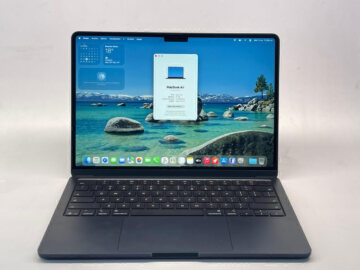
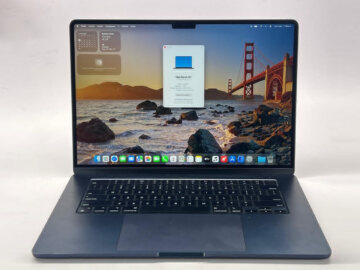
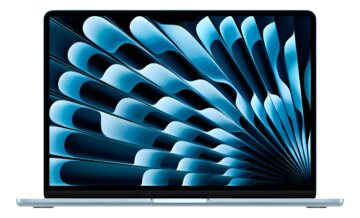
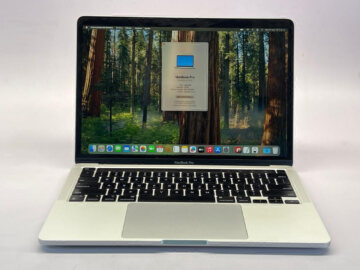
Choosing an Air M5 size starts with the places where you actually open your laptop. A larger display may help with documents side by side, while a smaller computer can suit crowded desks and frequent travel. Their GPU configuration options also differ.
Teveotecno · Content updated November 4, 2026
Try the screen with a familiar task
Open a spreadsheet and the document you normally consult beside it. Consider how much scrolling and window switching each size would require.
For daily travel, check the bag and desk you will use. A classroom bench or train table can make the smaller format useful even when you prefer a larger screen at home.
Compare the configuration behind the size label
The 13-inch Air offers an eight or ten-core GPU; the 15-inch version has ten GPU cores. Treat the table as model specifications and read the actual listing for its installed configuration. Check your application requirements rather than assuming every M5 listing is equivalent.
Both models support two external displays. If your main workstation already has a monitor, estimate how often you will rely on the built-in screen before assigning the larger panel most of your budget.
Assess the actual purchase
Apple announced these models on March 3, with availability from March 11, 2026. This does not establish Teveotecno inventory. Compare the listed MacBook Air devices for condition, battery information, charger and payment terms. Include missing adapters in the total rather than comparing the laptop prices alone.
Frequently asked questions
Does the 15-inch Air use a different chip?
Both use M5, with the GPU options shown in the table. Check the memory and storage configuration of each device too.
Which size suits university work?
Use your required software, normal study setup and daily travel as the starting point. Neither size is a universal choice for every course.