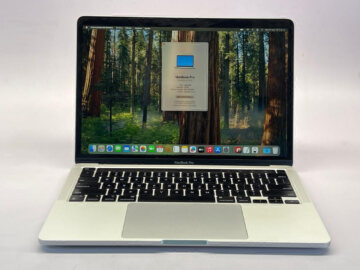
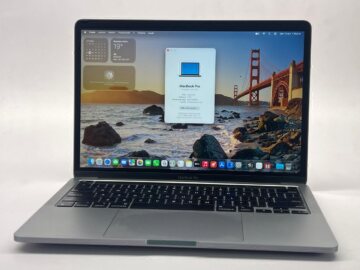
Preparing a MacBook for sale involves two stages: gathering information for an assessment and making it ready for a new owner when the transaction is agreed. Keeping those stages separate lets you request a valuation without erasing your files prematurely.
Teveotecno · Content updated November 4, 2026
Gather the details needed for an assessment
Record model, year, chip or processor, memory and SSD capacity. Add available battery information, faults, cosmetic marks and known repairs. State whether the charger or other accessories are included so the assessment describes the actual handover.
Start with the used MacBook selling guide or consider MacBook trade-in if you want a replacement. The final offer depends on inspection of the device.
Check the backup before erasing anything
Confirm that important files can be opened from the backup or on the computer receiving them. Check work, photos, libraries and application data you need to keep. Starting a backup does not establish that it is complete.
Plan the change if the MacBook is still essential to work or study. You do not need to erase the computer merely to ask for an initial valuation.
Follow the preparation method for your Mac
Apple provides different procedures depending on the model and installed system. Erase All Content and Settings is available on certain Macs and macOS versions; other configurations need a different method. Consult the official guidance before taking steps that remove data.
Prepare your accounts for the ownership change and confirm handover readiness. Enter any required credentials yourself rather than sending passwords in a valuation message.
Complete handover with the agreement clear
Confirm the final condition, accessories and agreed steps. Disclose any change from the information used for the initial estimate. Resolve an account lock, remaining account or preparation problem before completing handover.
- A checked backup with the files you need to retain.
- A preparation method appropriate to the model.
- The agreed charger and accessories.
- Inspection, final value and conditions confirmed.
Frequently asked questions
Must I erase the MacBook to ask what it is worth?
No. Start by providing its model and condition, then arrange final preparation when appropriate.
Is the erase procedure the same for every Mac?
No. It depends on model and macOS version. Use Apple’s instructions for your specific computer.
Does an online valuation guarantee a sale?
It is an initial reference. Acceptance, value and final conditions are confirmed after inspection.