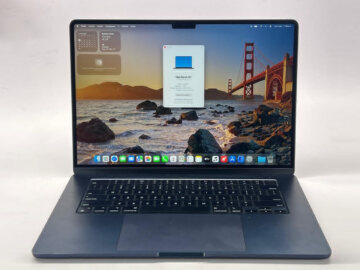
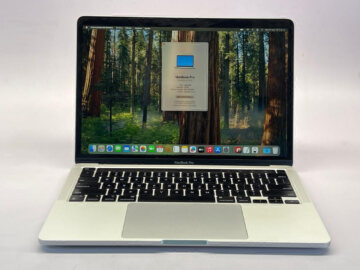
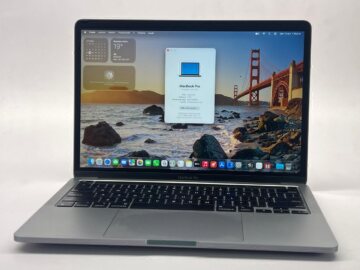
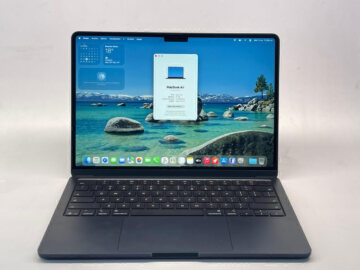
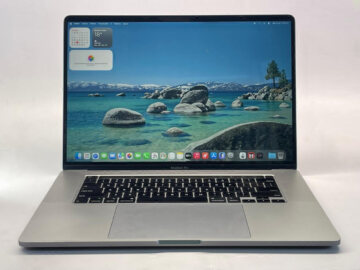
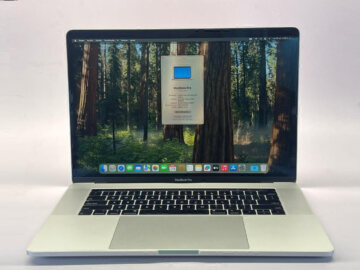
Before choosing between M1 and M2, establish which two MacBooks are on your shortlist. An Air and a Pro can share a chip generation while offering different features. With used laptops, the configuration and condition of each unit matter as well.
Teveotecno · Content updated November 4, 2026
Make the comparison specific
For two Air generations, identify the exact M1 and M2 Air models. For a Pro, confirm size and configuration too. Apple’s technical specifications let you compare design, display and connection details for those particular machines.
Do not apply an Air specification to a Pro because both names contain M1 or M2. Likewise, the chip name does not establish how much memory is installed in a used unit. Read the listing separately.
Consider memory and storage within the same budget
A more recent machine may have less memory or SSD capacity than another option. Consider the applications you keep open together and the space your projects require. Check the current requirements and version of any essential software.
Paying for the higher chip number is not a complete decision. Identify which practical limitation each configuration would solve and which accessories you would still need to purchase.
Compare both devices as used laptops
Inspect battery information, keyboard, display, ports, charger and disclosed repair history. Battery-life figures for a new model do not guarantee how long a particular used device will run in your routine.
- Is the unit’s battery information provided?
- Are marks, repairs or functions unclear?
- Which accessories and warranty apply?
- What is the total for your chosen payment method?
Use two live listings to make the decision
Browse the available Air units and listed Pro units. Compare devices currently marked available, and ask if the memory and storage combination you need is not shown.
An M1 configuration that meets your work may leave room in the budget for an important accessory. If you need a particular feature of the M2 model, compare its additional cost with the rest of the purchase.
Frequently asked questions
Can a used M1 MacBook still be a useful purchase?
It can be an option if the configuration, condition and required software fit your work. Assess the individual laptop.
Does M2 mean more memory?
No. Check the memory and SSD capacity of each listed device separately.
Are an M1 MacBook Air and an M1 MacBook Pro equivalent?
They share a chip-generation name but are different models. Compare their technical specifications and your requirements.