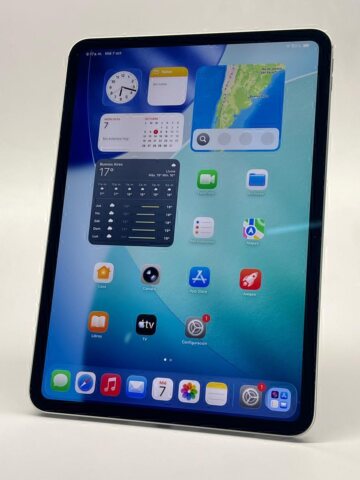
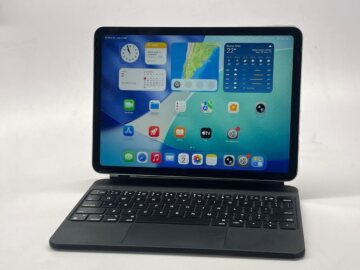
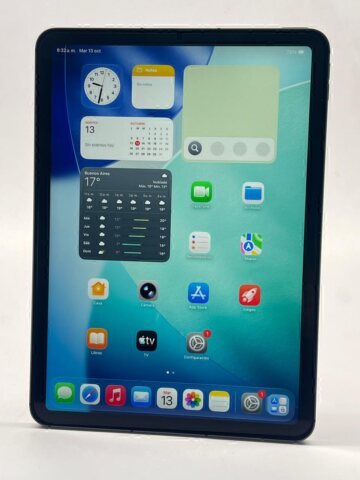
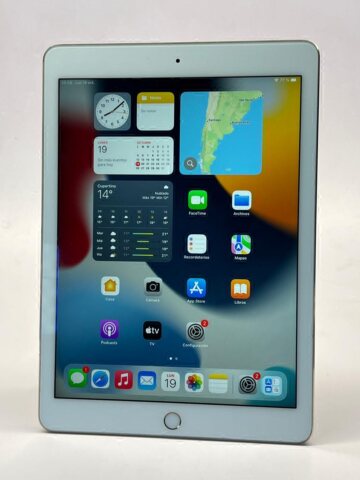
An iPad intended for Apple Pencil should be chosen as a compatible combination. Display size and the charging connector do not identify every supported pairing. Once the two models are known, decide what you need for notes, illustration, document markup or technical drawing.
Teveotecno · Content updated November 4, 2026
Identify both sides of the combination
Note the iPad generation or chip and the Pencil version: first or second generation, USB-C or Pro as applicable. Check them against Apple’s compatibility information. Features, pairing and charging depend on the particular combination.
Two similar-looking tablets may not support the same Pencil. Check before upgrading if you want to keep an accessory you already own. If buying both, compare the combined cost instead of treating the tablet price as the whole budget.
Choose useful features and test the setup
For notes, consider page size, hand position and file organisation. For illustration or design, establish which input features your application uses and whether that Pencil provides them. Accessories do not all offer identical functionality.
- Inspect the tip and body condition.
- Verify pairing and charging for the compatible setup.
- Write and draw across different display areas.
- Confirm any required cable or adapter and whether it is included.
Inspect the tablet as well as the accessory
A successful Pencil test does not replace checks of the iPad’s display, touch response, battery, charging and physical condition. Ask about disclosed marks or repairs and the warranty applying to each item. An accessory shown in a photograph is not necessarily included; confirm the written accessory list.
Compare the iPad Air listings and iPad Pro selection, or browse all listed iPads. The product page and an enquiry about that device establish whether the combination you want is currently offered.
Frequently asked questions
Will every Apple Pencil work with every iPad?
No. Check both exact models against Apple’s information. Family names and similar appearance do not establish compatibility.
Do I need the newest Pencil for class notes?
Identify the features you will use and find a compatible setup. The combined cost and condition also belong in the decision.
How do I know whether the Pencil is included?
Read the accessories declared for that unit and ask about anything unclear. Also confirm the items needed to pair or charge the combination.