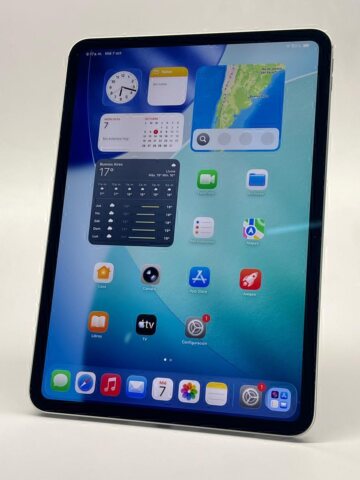
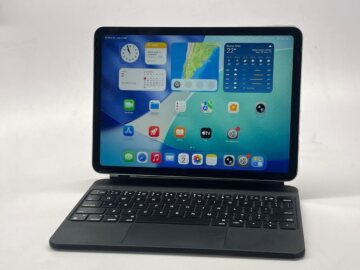
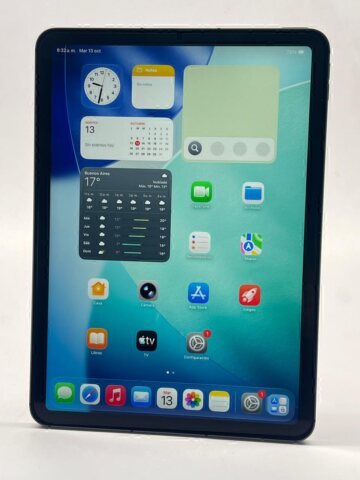
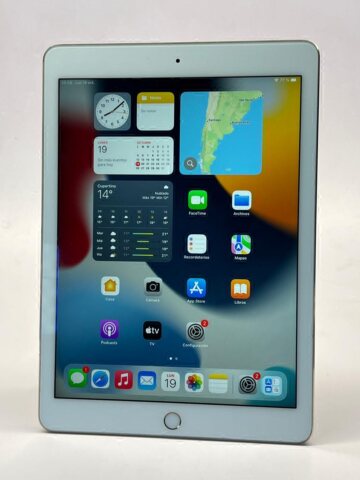
A useful student iPad starts with a normal week of coursework. Reading textbooks, drafting long assignments and annotating diagrams call for different combinations of display, input accessories and storage. Write down those tasks before deciding that a particular product family is the right one.
Teveotecno · Content updated November 4, 2026
Map the tasks before choosing the hardware
For PDF reading, consider display size and how comfortable the device will be to carry. Long essays may make a keyboard important. Handwritten notes and diagrams call for a compatible input accessory, identified against the exact iPad generation.
Check the current requirements and licences of your course software. An iPad edition can differ from a desktop application, and your institution may have its own rules for exams or submitted files. Verify those requirements rather than assuming the tablet will run every part of the course.
- Books and documents you must keep offline.
- Required apps, licences and supported systems.
- The amount of typing or handwritten work.
- Accessories and internet access needed away from home.
Build a budget for the complete study setup
Allow room for installed apps, downloaded material and your own files. Video-heavy courses and regular offline work can change the storage calculation. Cloud subscriptions do not increase the iPad’s built-in capacity.
Add accessories and software you will actually need. Read the individual listing to see what is included. A cheaper tablet can require a larger accessory budget, and a keyboard or Pencil from another generation may not be compatible.
Inspect the device you will carry every day
Review the disclosed battery condition, display, charging, cameras and sound, particularly if classes include video calls. Compare the actual units in the used iPad catalogue. Warranty and payment conditions belong to each listing. If you need clarification about a device, arrange an enquiry with Teveotecno in Recoleta before purchasing.
Frequently asked questions
Do students need an iPad Pro?
That depends on the course applications and tasks. Compare the generation and configuration required for them rather than choosing by the Pro name alone.
Can an iPad replace my laptop?
Check the programmes, file formats and submission methods you need. Try the essential workflow before deciding that you no longer need a computer.
Should I buy a Pencil at the same time?
It may be useful for handwriting, but confirm compatibility and the combined price first. For reading or keyboard-based work it may be less important.