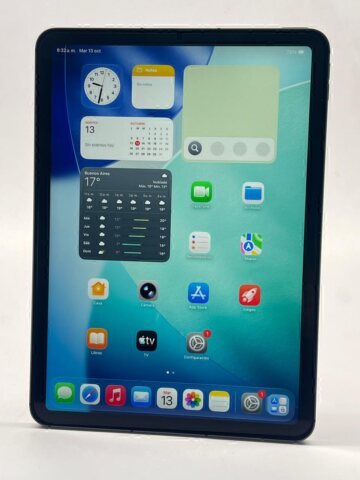
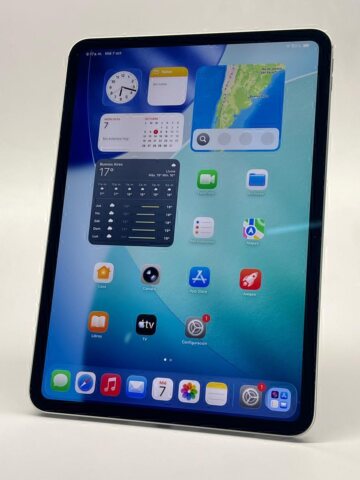
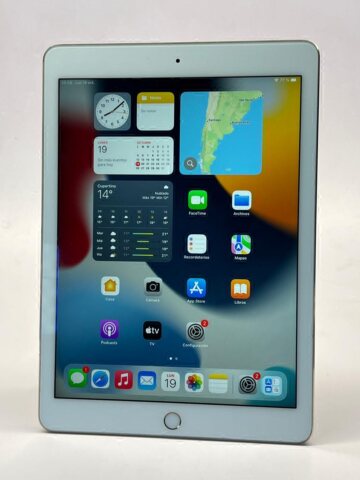
The choice between a 64 GB and 256 GB iPad depends on the material stored on the device. A few large games or downloaded videos may occupy more space than many small documents. Measure your existing use before comparing the storage labels and prices of available units.
Teveotecno · Content updated November 4, 2026
Use your current storage as evidence
Review the categories and applications in the device’s storage settings. Apple’s storage guidance distinguishes the space on the device from iCloud storage. This gives a better starting point than counting apps, because their documents and downloaded content vary widely in size.
- Files that must remain downloaded.
- Films, games or creative projects you want to keep.
- Course or work material added regularly.
- Room occupied by the system and installed apps.
Decide how much offline headroom matters
If you keep a substantial video library or regularly work with large projects, calculate how much space each option would leave. With smaller files and dependable internet access, consider whether a lower capacity fits your routine without constant file management.
Advertised capacity is not all free document space: the system and apps use part of it. Built-in storage is part of the hardware configuration. Cloud subscriptions and external accessories do not turn a 64 GB device into a 256 GB iPad.
Keep generation and condition in the comparison
A 256 GB listing is not automatically the better purchase if the generation, display, condition or cost also changes. Check those variables and the requirements of your applications. Not every iPad model was offered with both capacities.
Look at the storage stated in each current used iPad listing. If the configuration you need is absent, ask about availability before making purchase plans. A sold reference may help identify a model, but it is not a currently available offer.
Frequently asked questions
Does iCloud increase the iPad’s physical capacity?
No. Cloud storage is a separate service with its own terms. The device retains its original built-in storage configuration.
Is 64 GB enough for a student?
It depends on the required apps and downloaded material. Calculate actual use and the headroom you need rather than relying on a universal course-based estimate.
Should I always prioritise 256 GB?
Compare the price, generation and condition too. Extra capacity is valuable when you need it, but it does not resolve every other difference between devices.