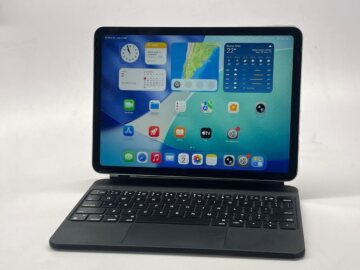
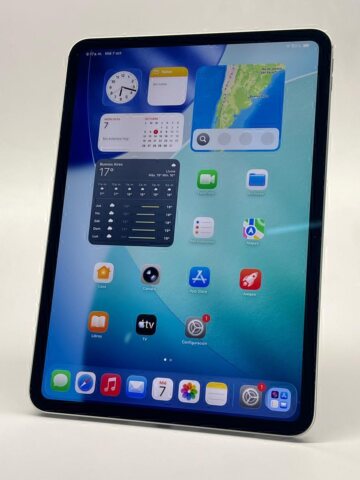
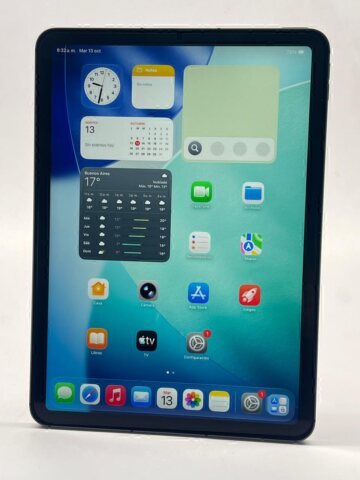
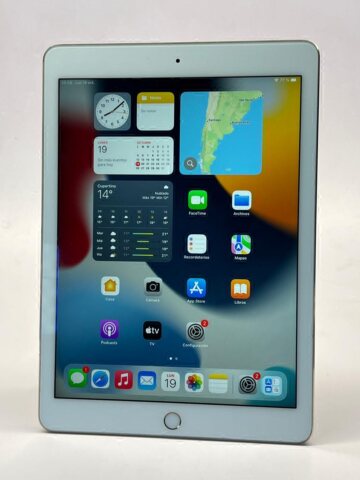
Choosing a used iPad Air or Pro means comparing more than two product names. The listings may come from different years and include different capacities or accessories. Identify the exact devices first, then connect their differences to the way you intend to work.
Teveotecno · Content updated November 4, 2026
Start with two identifiable models
Record the chip or generation, display size, storage and connectivity. Use Apple’s model comparison to check the specifications. Features belonging to one version should not be assumed to apply to every Air or Pro.
An older Pro may be priced alongside a later Air. That makes the actual hardware, required software and unit condition more informative than the Pro label on its own.
- A display size suited to your reading or workspace.
- Room for the files and apps you will keep locally.
- Compatibility with the particular Pencil or keyboard you plan to use.
Compare the setup you will actually use
For reading, writing and notes, consider comfort, portability and the listed device’s battery condition. For drawing or editing, check display features, application requirements and the exact input accessory. A specification you rarely use may matter less than a device in better physical condition.
Add the cost of any missing keyboard, Pencil, case or adapter. Similar device prices do not necessarily produce similar final budgets when one listing includes accessories and the other does not.
Check the unit before committing to the family
Look at display and edge photos, charging, cameras, sound, disclosed repairs and warranty terms. Compare the current used iPad Air listings with the used iPad Pro selection. The catalogue reflects published inventory; both families may not be available at the same time. Arrange an enquiry in Recoleta if you want to review an option.
Frequently asked questions
Is every used Pro a better purchase than an Air?
It depends on the generations and your work. Compare the relevant features and condition before deciding whether the price difference is worthwhile.
Will one Apple Pencil work with both devices?
Check the Pencil version against both exact iPad models. Compatibility changes across generations and cannot be inferred from the Air or Pro name.
Are a keyboard and Pencil included?
Use the accessory list for the individual device. Ask about anything unspecified before calculating the total setup cost.