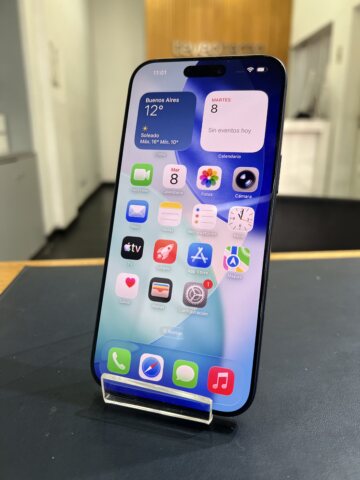
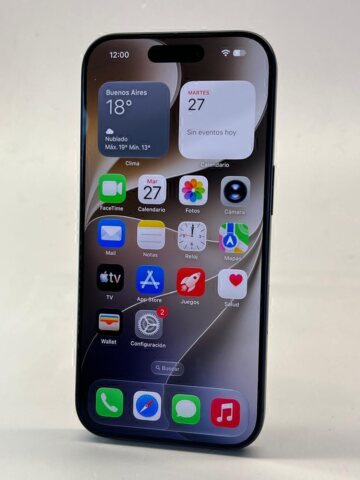
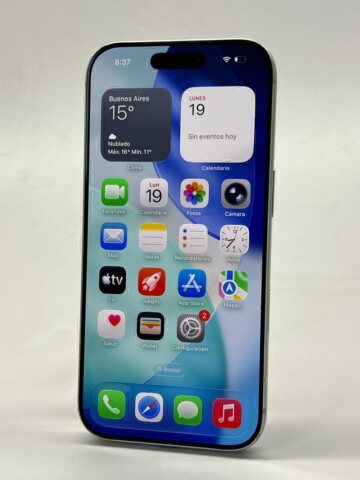
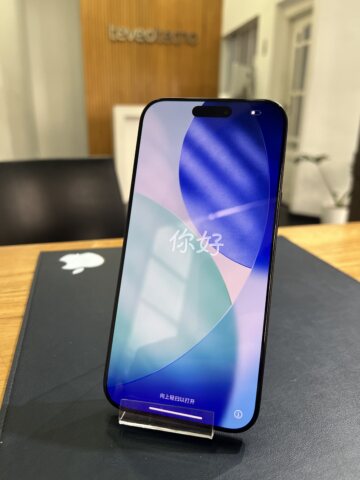
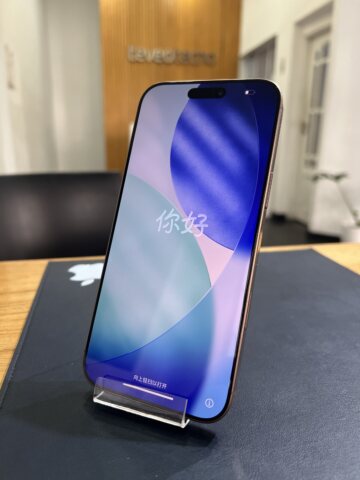
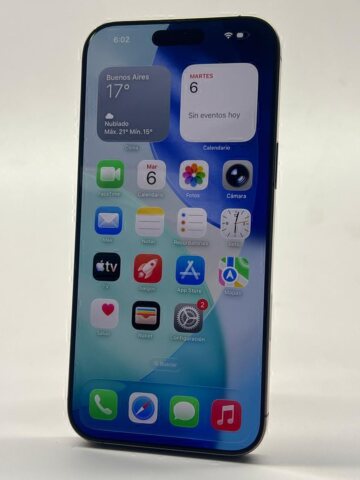
Battery percentages are easy to compare at a glance, but an 85%, 90% or 100% reading cannot describe the whole phone. Use the figure to ask better questions about the individual device, then weigh it against your daily needs and the total purchase cost.
Teveotecno · Content updated November 4, 2026
Start with your usage rather than one target percentage
Two different iPhone models can have different capabilities and suit different routines, even with similar battery health readings. Think about navigation, camera use, gaming, signal conditions and how long you normally spend away from a charger.
There is no single buying threshold that fits everyone. A person who needs long periods away from charging may weigh battery condition differently from someone comparing an affordable device for lighter use. Ask how an optional replacement would affect the final cost.
What to ask about a replaced battery
Request the available information about the replacement and any relevant messages on the device. On supported iPhone models and iOS versions, Parts and Service History may provide battery repair information.
Replacing a battery does not make every other component new. Check the display, cameras, charging, biometric unlock and connectivity too. If a message is unclear, ask for an explanation before treating a percentage as proof of the overall condition.
Compare the whole purchase, including optional work
For a cheaper phone with battery wear, ask what a replacement would cost if it is offered. Compare the resulting amount with another unit while keeping storage and cosmetic condition in view. Do not assume that replacement is included or available for every device.
Use the price guide to understand a model’s range. The individual listing provides the published battery details and purchase conditions. Ask about missing information rather than filling in the gaps yourself.
A practical check before choosing
A small difference in battery health should not hide a larger difference in condition or a feature you need. Use the same checklist for each device you compare.
- Confirm the exact model and storage size.
- Read the listed battery condition and available device messages.
- Ask about replacements and the cost of optional work.
- Check charging and phone functions; clarify any uncertain result.
- Confirm applicable warranty and purchase conditions before reserving.
Frequently asked questions
Is an iPhone with 85% battery health worth buying?
That depends on the model, your usage, price and overall condition. Compare alternatives and possible replacement cost; a percentage alone cannot settle the choice.
Does 100% battery health mean the iPhone is new?
No. A battery reading does not establish the age or condition of every component. Ask about the device history and unit-level details.
Should I avoid a used iPhone with a replacement battery?
Replacement alone does not decide the purchase. Consider the documented work, operation, device messages, warranty and total cost against other units.