Getting an iPad ready for sale involves the device assessment, your files and the agreed handover. Treating these as separate tasks helps you provide accurate details without erasing information you still need. Begin by identifying the unit and organising the initial enquiry.
Teveotecno · Content updated November 4, 2026
Record the device and accessories you are offering
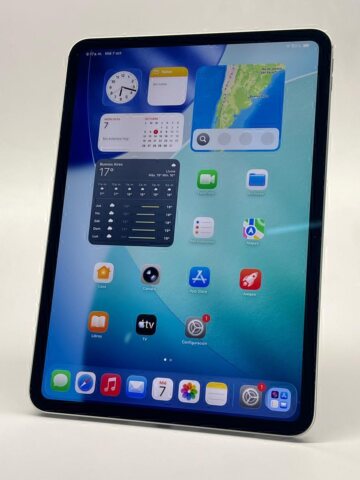
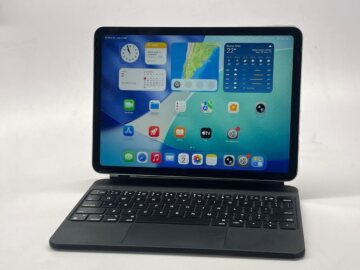
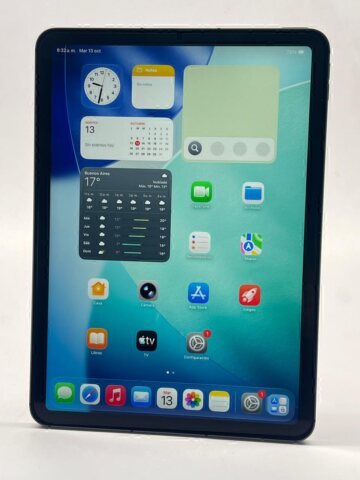
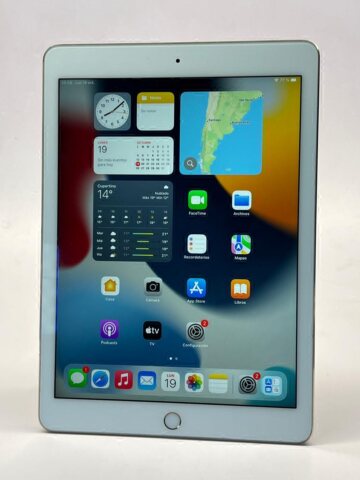
Note the family, generation or chip, storage and connectivity. Photograph the display, back and edges while you can demonstrate the device’s operation. Describe known faults and repairs so that the assessment begins with the actual condition.
- Complete model and storage capacity.
- Wi-Fi or Wi-Fi + Cellular configuration.
- Disclosed marks, faults and repairs.
- Charger, cable, Pencil, keyboard or box offered.
Verify your files before preparing an erase
Make a backup or transfer the information you want to keep, and check that you can access it. Apple’s handover guide explains account preparation and device erasure. Manually deleting synchronised photos or documents is not a substitute for that process.
If the iPad is not working or you cannot complete preparation, explain this when arranging the assessment. Agree on the appropriate inspection rather than improvising steps on a device whose condition is uncertain.
Agree on the proposal and included items
The initial estimate is checked against the physical device. Confirm acceptance, amount and transaction terms before handing it over. If you plan to upgrade, decide which accessories to keep and check their compatibility with the replacement.
Start a sale enquiry through the used iPad assessment page. For an upgrade, review iPad trade-in and the currently listed units. Arrange the visit to Juncal 2525, Recoleta, and bring the accessories you agreed to include.
Make one final handover check
Compare the device and accessories with the agreed description. Be clear about the proposal, the disclosed condition and where your retained files are stored. This helps resolve questions during inspection and keeps the technical assessment distinct from preparation of your personal information.
Frequently asked questions
Must I erase the iPad before asking for an assessment?
Collect the model, storage and condition for the initial enquiry. Agree on when to prepare the device and verify your files before completing an erase.
Does having a backup confirm the purchase?
No. A backup concerns your information. Acceptance and transaction terms depend on the assessment of the actual device.
Can I keep my Pencil?
Say so before agreeing on the proposal. The accessories described in the offer should match the items eventually handed over.